



Vulkan Vegas Mobile App in Canada: How It Works, What to Expect, and Whether You Even Need It
For Canadian players, mobile access has quietly become the default way to use online casinos. Few people sit down at a desktop to spin slots anymore — most log in from a phone, often in short sessions, between other things.
Vulkan Vegas has adapted to that shift in a fairly straightforward way. Instead of overcomplicating the mobile experience, the platform offers two options: a dedicated Android app and a browser-based version that works across all devices, including iOS.
The result is less about “mobile vs desktop” and more about convenience — how quickly you can open a game, place a bet, and move on.
How to Download the Vulkan Vegas App in Canada
For Android users in Canada, the process is simple but slightly different from standard app installations. The Vulkan Vegas app is not available on Google Play, so it must be downloaded directly from the official website.
Once you visit the site from your mobile device, you will see a download prompt or button. Tapping it will start downloading the installation file. From there, the process takes only a few steps:
You open the file, allow installation from unknown sources if prompted by your device, and complete the setup. Within a minute or two, the app is installed and ready to use.
It’s not complicated, but it does require one extra step compared to traditional app stores — something worth noting for less experienced users.

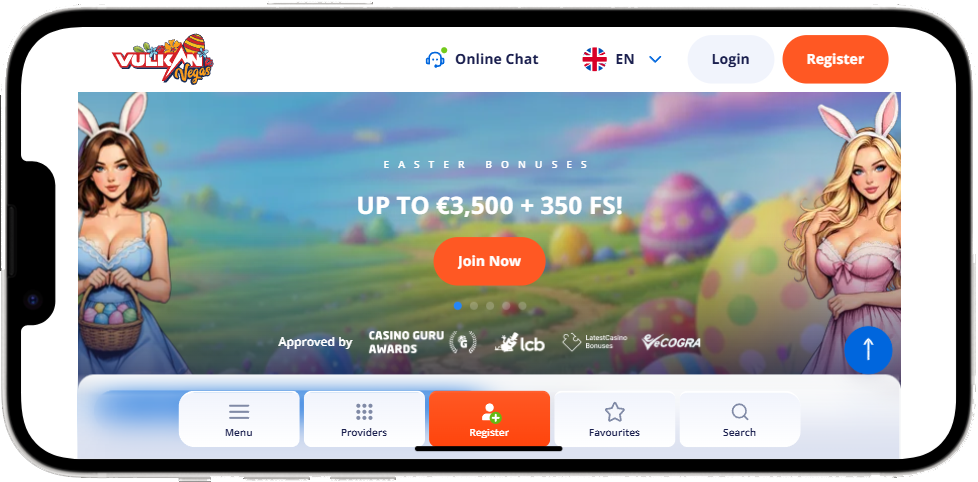
Installation and First Launch
After installation, the app behaves like any other mobile application. It appears on your home screen, launches instantly, and connects you directly to your account.
Logging in is no different from the desktop version. You enter your email and password, and the system loads your balance, recent activity, and available games.
There is no separate registration process for the app — everything is linked to your existing Vulkan Vegas account.
What the App Actually Offers
Functionally, the Vulkan Vegas app mirrors the desktop version almost entirely. This includes access to:
- Slot games, including both classic and modern titles
- Table games such as blackjack and roulette
- Live casino with real-time dealers
- Deposits, withdrawals, and account settings
The interface is simplified for mobile use, which mostly means fewer on-screen elements and more focus on navigation. Games load quickly, menus are easy to access, and switching between sections feels smooth.
In practice, there is very little difference between playing in the app and playing on a computer.
Mobile Browser vs App
One of the more interesting aspects of Vulkan Vegas is that the app is not strictly necessary.
For iOS users in Canada — and for anyone who prefers not to install additional software — the mobile browser version provides the same functionality. The site is fully optimized, meaning games adjust to screen size, controls remain responsive, and all core features are accessible.
In many cases, the difference between the app and the browser version comes down to preference.
The app offers slightly faster access and a more “native” feel. The browser version, on the other hand, requires no installation and works immediately on any device.
Performance and Stability
In terms of performance, Vulkan Vegas runs reliably on most modern smartphones. Game loading times are short, and the overall experience is stable, provided the internet connection is decent.
Live casino games, which require continuous streaming, depend more heavily on connection quality, but this is standard across all platforms.
For regular slot play or table games, performance is generally consistent and predictable.
Security and Practical Considerations
From a technical standpoint, the app uses the same security measures as the desktop version, including encrypted connections and standard account protection features.
That said, the usual advice still applies: download only from the official website, avoid third-party sources, and use secure networks when logging in or making transactions.
For Canadian players, there are no specific technical barriers to using the app, although payment methods and banking policies may vary by provider.
Do You Actually Need the App?
This is where the answer becomes less technical and more practical.
If you prefer having a dedicated icon, faster access, and a slightly more streamlined interface, the app makes sense. It’s quick to install and does exactly what you expect.
If you’d rather avoid downloads, the browser version is more than enough. It delivers the same experience without any setup.
In the end, Vulkan Vegas does not force a choice. It simply offers both options — and leaves the decision to the player.
A Mobile Experience That Doesn’t Try Too Hard
There is no attempt here to reinvent mobile gaming. No unnecessary features, no complex onboarding, no heavy redesign.
And that, perhaps, is the point.
For Canadian players, the Vulkan Vegas mobile setup works because it stays out of the way. You open it, you play, and that’s it.